Graphic Design
Web Desk
A page that allows for custom Icon creations and saved website layouts
Year :
2026
Industry :
Useful Tools
Client :
Self
Project Duration :
16 Weeks
Objective:
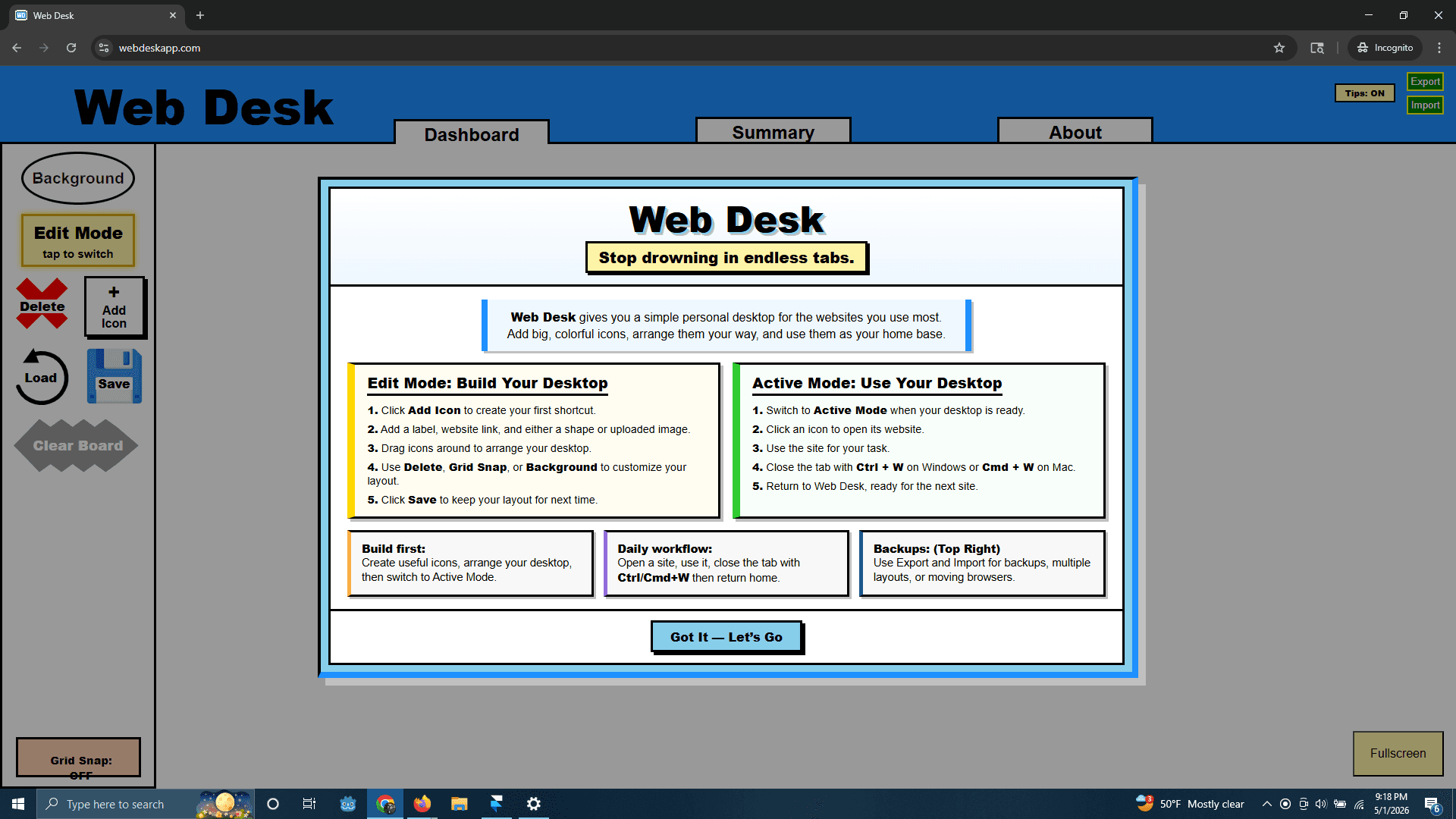
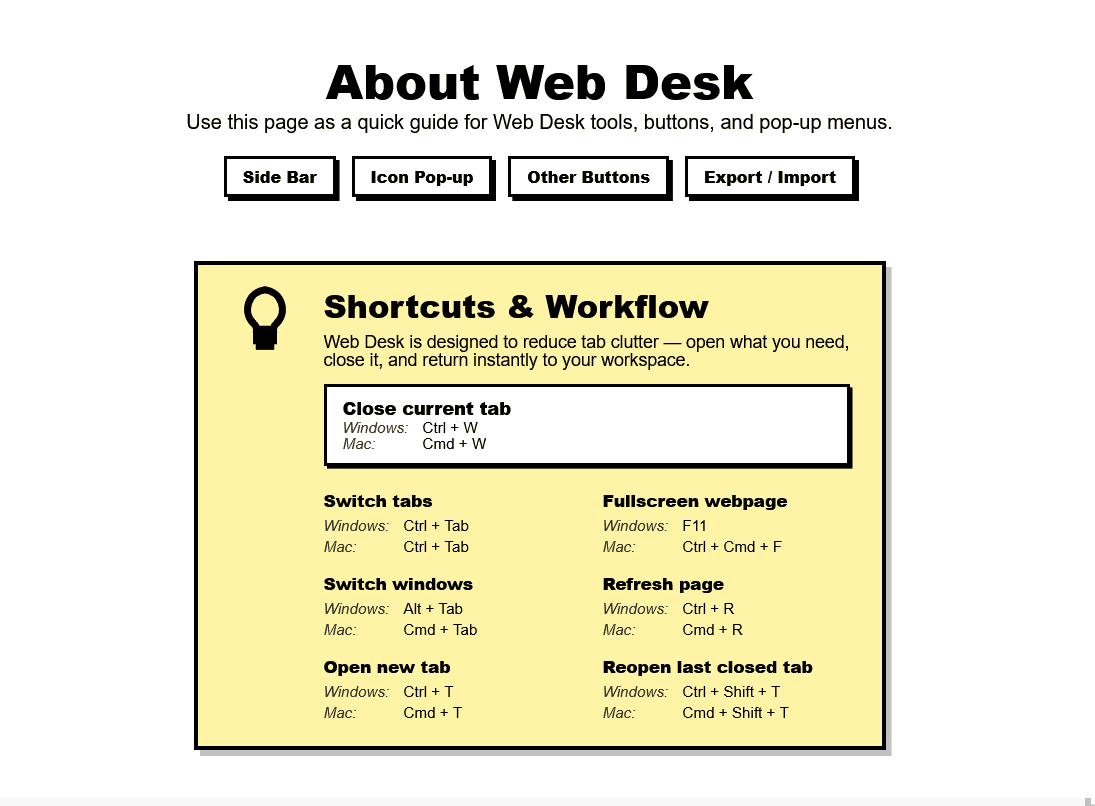
The initial goal was to create a personalized browser dashboard that allows users to organize frequently used websites and tools in one place. The need came from managing multiple tabs and bookmarks inefficiently, which led to clutter and reduced productivity. The project aimed to provide a visual, flexible workspace where users could quickly access resources while maintaining control over layout, appearance, and functionality.
Synopsis:
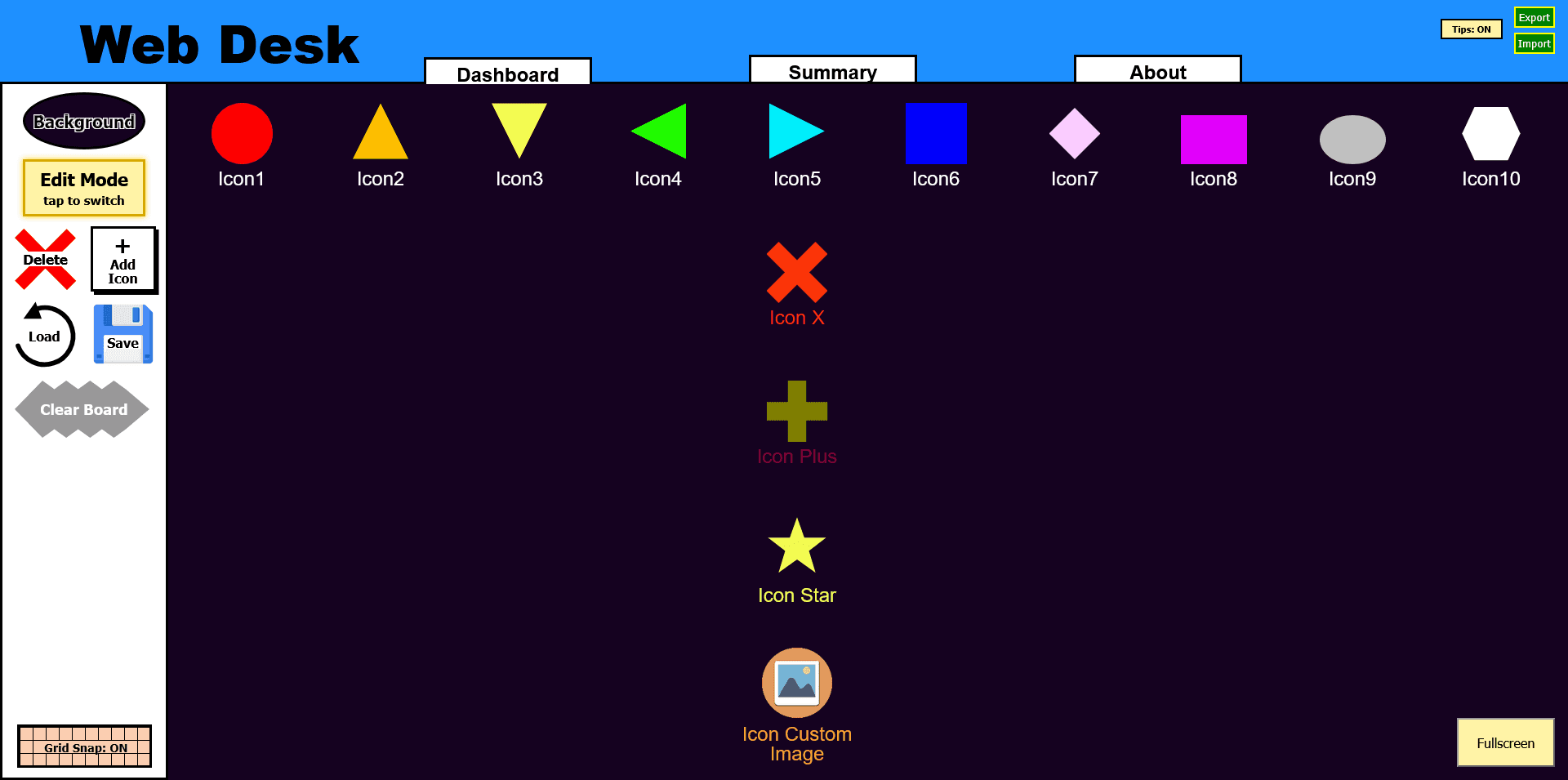
This project was inspired by traditional browser bookmark bars and customizable homepage dashboards, but expands on them by offering a fully interactive canvas. The concept draws from desktop organization systems and visual workspace tools, allowing users to treat their browser like a personal operating environment rather than a static list of links.
Process :
The project was developed in several key sections.
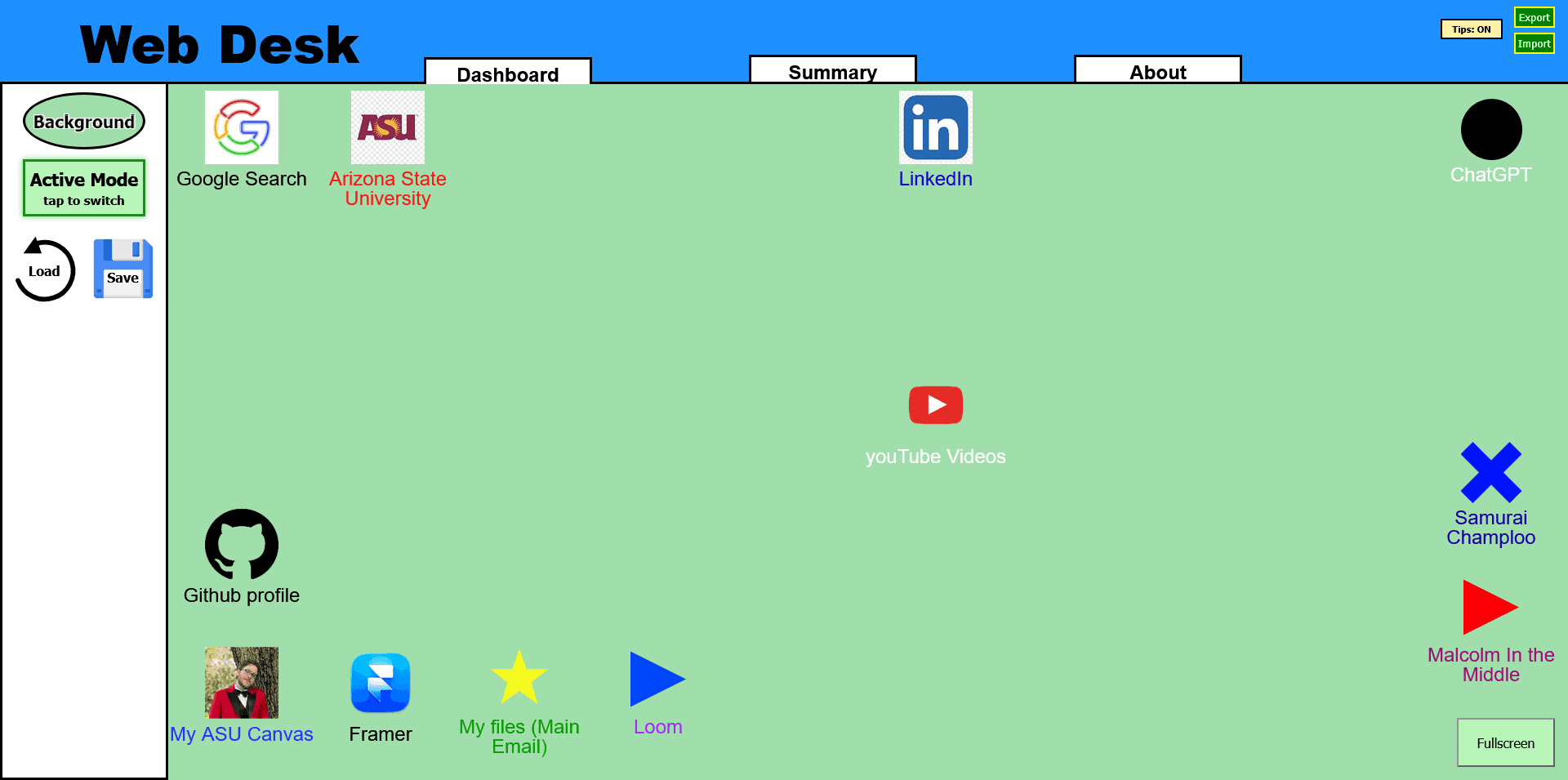
The core interface was designed as a draggable canvas where users can place and organize elements freely. This required implementing position tracking and dynamic rendering of items on screen.
A sidebar was created to manage tools and modes, allowing users to switch between editing and active states. This included functionality for adding, deleting, and modifying elements in real time.
Local storage was integrated to persist user data, including layout positions, selected icons, and preferences, ensuring the workspace remains consistent between sessions.
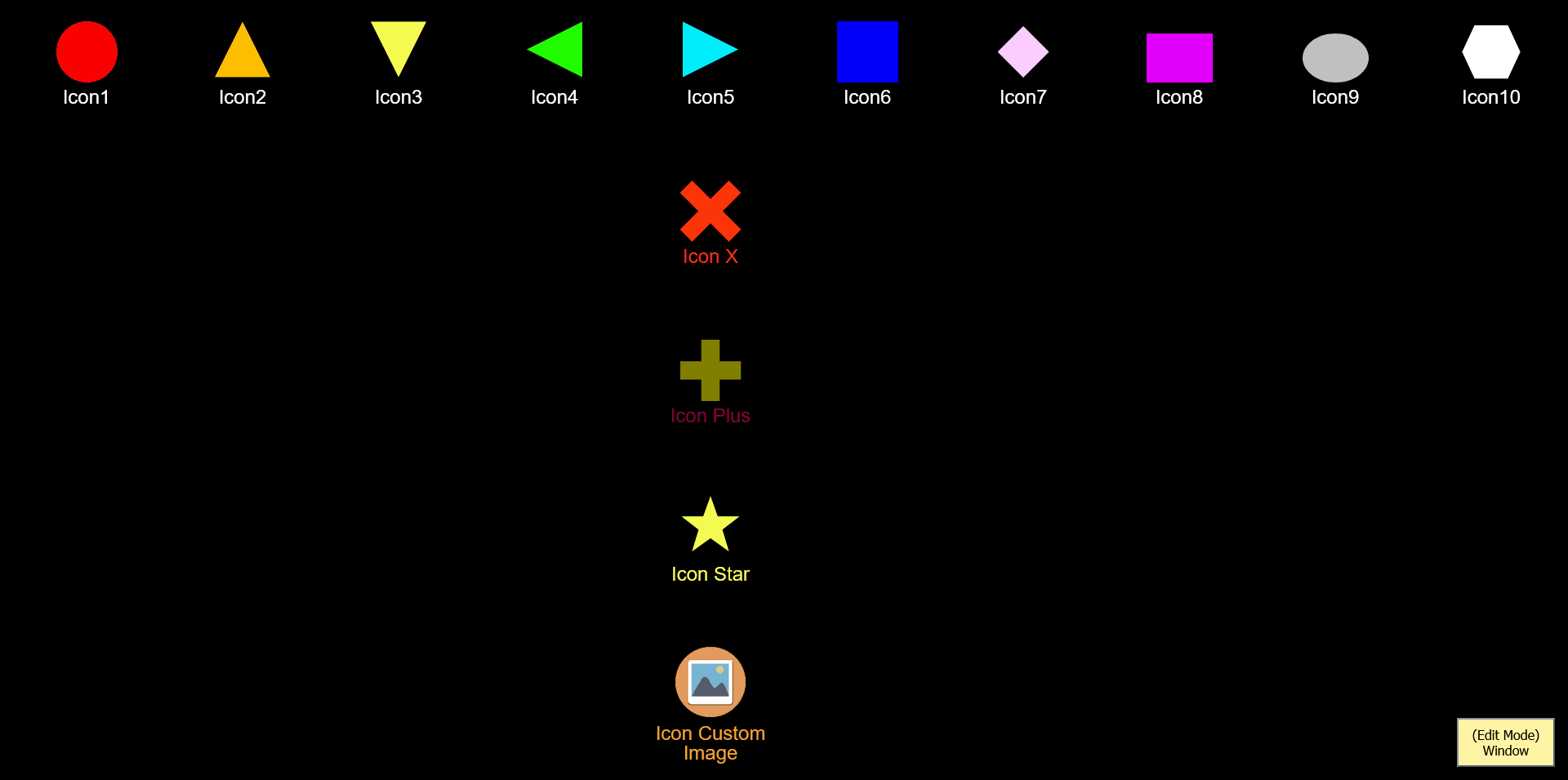
Modal systems were implemented for adding and editing icons, including support for custom shapes, colors, text, and images.
Additional features included background customization, sorting logic for stored elements, and interaction handling such as click events, drag behavior, and mode-based restrictions to prevent unintended edits.
Results :
The project was completed as a fully functional and customizable dashboard that improves workflow organization and accessibility. It successfully addresses the initial problem of tab clutter by centralizing frequently used resources into a single interface.
The application demonstrates strong front-end development skills, including DOM manipulation, state management, and user experience design. It also highlights the ability to build scalable features and refine usability through iteration.
It can be viewed here:
This project reflects my ability to design practical tools, implement interactive systems, and create user-focused solutions that evolve beyond their original scope.

More Projects

Graphic Design
Web Desk
A page that allows for custom Icon creations and saved website layouts
Year :
2026
Industry :
Useful Tools
Client :
Self
Project Duration :
16 Weeks
Objective:
The initial goal was to create a personalized browser dashboard that allows users to organize frequently used websites and tools in one place. The need came from managing multiple tabs and bookmarks inefficiently, which led to clutter and reduced productivity. The project aimed to provide a visual, flexible workspace where users could quickly access resources while maintaining control over layout, appearance, and functionality.
Synopsis:
This project was inspired by traditional browser bookmark bars and customizable homepage dashboards, but expands on them by offering a fully interactive canvas. The concept draws from desktop organization systems and visual workspace tools, allowing users to treat their browser like a personal operating environment rather than a static list of links.
Process :
The project was developed in several key sections.
The core interface was designed as a draggable canvas where users can place and organize elements freely. This required implementing position tracking and dynamic rendering of items on screen.
A sidebar was created to manage tools and modes, allowing users to switch between editing and active states. This included functionality for adding, deleting, and modifying elements in real time.
Local storage was integrated to persist user data, including layout positions, selected icons, and preferences, ensuring the workspace remains consistent between sessions.
Modal systems were implemented for adding and editing icons, including support for custom shapes, colors, text, and images.
Additional features included background customization, sorting logic for stored elements, and interaction handling such as click events, drag behavior, and mode-based restrictions to prevent unintended edits.
Results :
The project was completed as a fully functional and customizable dashboard that improves workflow organization and accessibility. It successfully addresses the initial problem of tab clutter by centralizing frequently used resources into a single interface.
The application demonstrates strong front-end development skills, including DOM manipulation, state management, and user experience design. It also highlights the ability to build scalable features and refine usability through iteration.
It can be viewed here:
This project reflects my ability to design practical tools, implement interactive systems, and create user-focused solutions that evolve beyond their original scope.
More Projects
Graphic Design
Web Desk
A page that allows for custom Icon creations and saved website layouts
Year :
2026
Industry :
Useful Tools
Client :
Self
Project Duration :
16 Weeks
Objective:
The initial goal was to create a personalized browser dashboard that allows users to organize frequently used websites and tools in one place. The need came from managing multiple tabs and bookmarks inefficiently, which led to clutter and reduced productivity. The project aimed to provide a visual, flexible workspace where users could quickly access resources while maintaining control over layout, appearance, and functionality.
Synopsis:
This project was inspired by traditional browser bookmark bars and customizable homepage dashboards, but expands on them by offering a fully interactive canvas. The concept draws from desktop organization systems and visual workspace tools, allowing users to treat their browser like a personal operating environment rather than a static list of links.
Process :
The project was developed in several key sections.
The core interface was designed as a draggable canvas where users can place and organize elements freely. This required implementing position tracking and dynamic rendering of items on screen.
A sidebar was created to manage tools and modes, allowing users to switch between editing and active states. This included functionality for adding, deleting, and modifying elements in real time.
Local storage was integrated to persist user data, including layout positions, selected icons, and preferences, ensuring the workspace remains consistent between sessions.
Modal systems were implemented for adding and editing icons, including support for custom shapes, colors, text, and images.
Additional features included background customization, sorting logic for stored elements, and interaction handling such as click events, drag behavior, and mode-based restrictions to prevent unintended edits.
Results :
The project was completed as a fully functional and customizable dashboard that improves workflow organization and accessibility. It successfully addresses the initial problem of tab clutter by centralizing frequently used resources into a single interface.
The application demonstrates strong front-end development skills, including DOM manipulation, state management, and user experience design. It also highlights the ability to build scalable features and refine usability through iteration.
It can be viewed here:
This project reflects my ability to design practical tools, implement interactive systems, and create user-focused solutions that evolve beyond their original scope.